Running any business today means you need a content engine—one that powers everything from customer communications and sales outreach to internal updates. NOAN makes this not just possible, but effortless. Here’s how you can create high-quality, on-brand content in seconds using NOAN’s two core creation methods.
Why NOAN?
NOAN’s content is always accurate and on-brand because it’s built on your business’s fact base. Whether you’re using the Assistant or Create mode, every output references your unique business knowledge—no more generic, off-the-shelf content.
Method 1: Create Mode – For “One and Done” Assets
Best for:
-
Job descriptions
-
Articles
-
One-off documents
How it works:
-
Go to Create Mode.
-
This is your space for generating single assets quickly.
-
Make a Clear Request.
-
Example: “New social media strategist job description.” No need to overload your prompt—NOAN already knows your company context.
-
Choose Your Model & Assistant.
-
Select from different AI models and specialized assistants (e.g., HR Assistant for job descriptions).
-
Let NOAN Work.
-
In seconds, you’ll have a tailored, accurate asset. Edit as needed.
-
Refine with the Assistant.
-
Open the Assistant, start a new conversation, and give clear directions (e.g., “Make this shorter”). The Assistant knows the context and will update your asset instantly.
-
**Enhance & Organize:**Replace or update content with a click.
-
Instantly generate and edit headlines.
-
Assign or edit tags for easy filtering (see NOAN’s tagging lesson for more).
-
Set asset visibility (private, team, or favorite).
-
Share & Search:
-
All assets are searchable and filterable by tag, making collaboration seamless.
Method 2: Assistant Workspace – For “In the Flow” Creation
Best for:
-
Research-driven content
-
Multi-step workflows
-
Iterative content development
How it works:
-
Start a Flow.
-
Ask the Assistant to research a company, find leadership, analyze a sector—whatever you need.
-
Turn Research into Content.
-
Direct the Assistant to turn findings into a note, blog post, or any asset. Example: “Write a blog post for this sector’s audience.”
-
**Iterate in Real Time.**Ask for edits: “Remove section two,” “Add a quote,” etc.
-
The Assistant updates content instantly, always referencing your fact base.
-
Send to Create Mode.
-
When you’re happy, hit “Send result to Create.” Now you can further refine, tag, and share the asset.
-
**Share with Your Team.**Copy the asset URL and share (unlock it first for team access).
-
Assets created in your private workspace are locked by default for privacy.
-
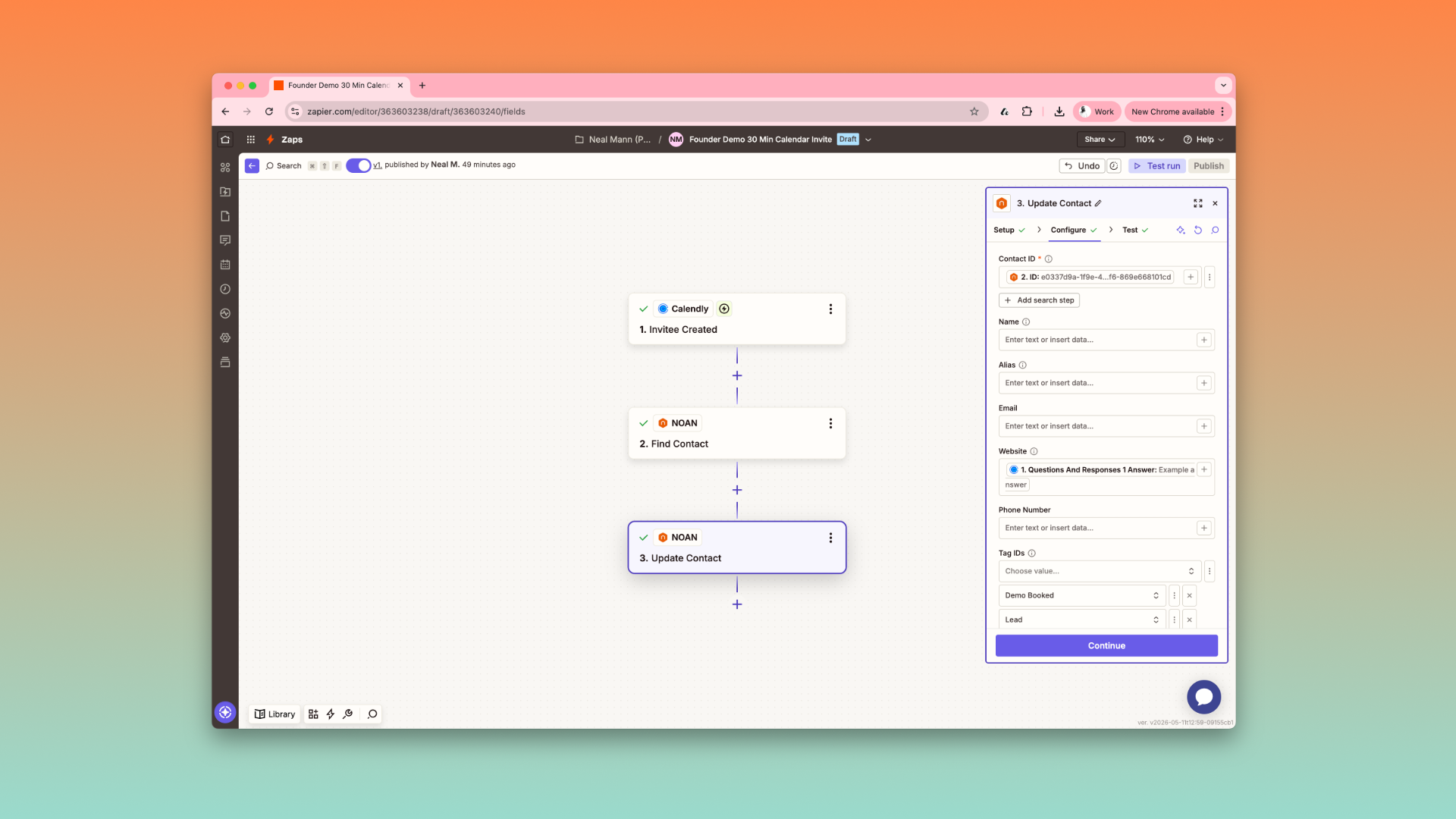
**Automate with Integrations.**Change tags or headlines to trigger automations via NOAN’s Zapier integration.
-
Instantly send content to your website, documents, or other destinations.
Pro Tips
-
Be Direct: Treat the Assistant like a smart employee—clear, specific instructions yield the best results.
-
Leverage Search: The Assistant can pull in external research, quotes, or data—just ask.
-
Tag Smartly: Use tags to organize, automate, and trigger workflows.
-
Control Access: Decide who can see or edit each asset for secure collaboration.
With NOAN, you can build a true content creation engine—one that’s fast, accurate, and always aligned with your business. Use Create mode for quick, one-off assets, and the Assistant workspace for dynamic, research-driven content flows. Edit, tag, automate, and share—all in seconds.
Ready to transform your business content? Start creating with NOAN and experience the difference.
.png)
.png)
.png)